
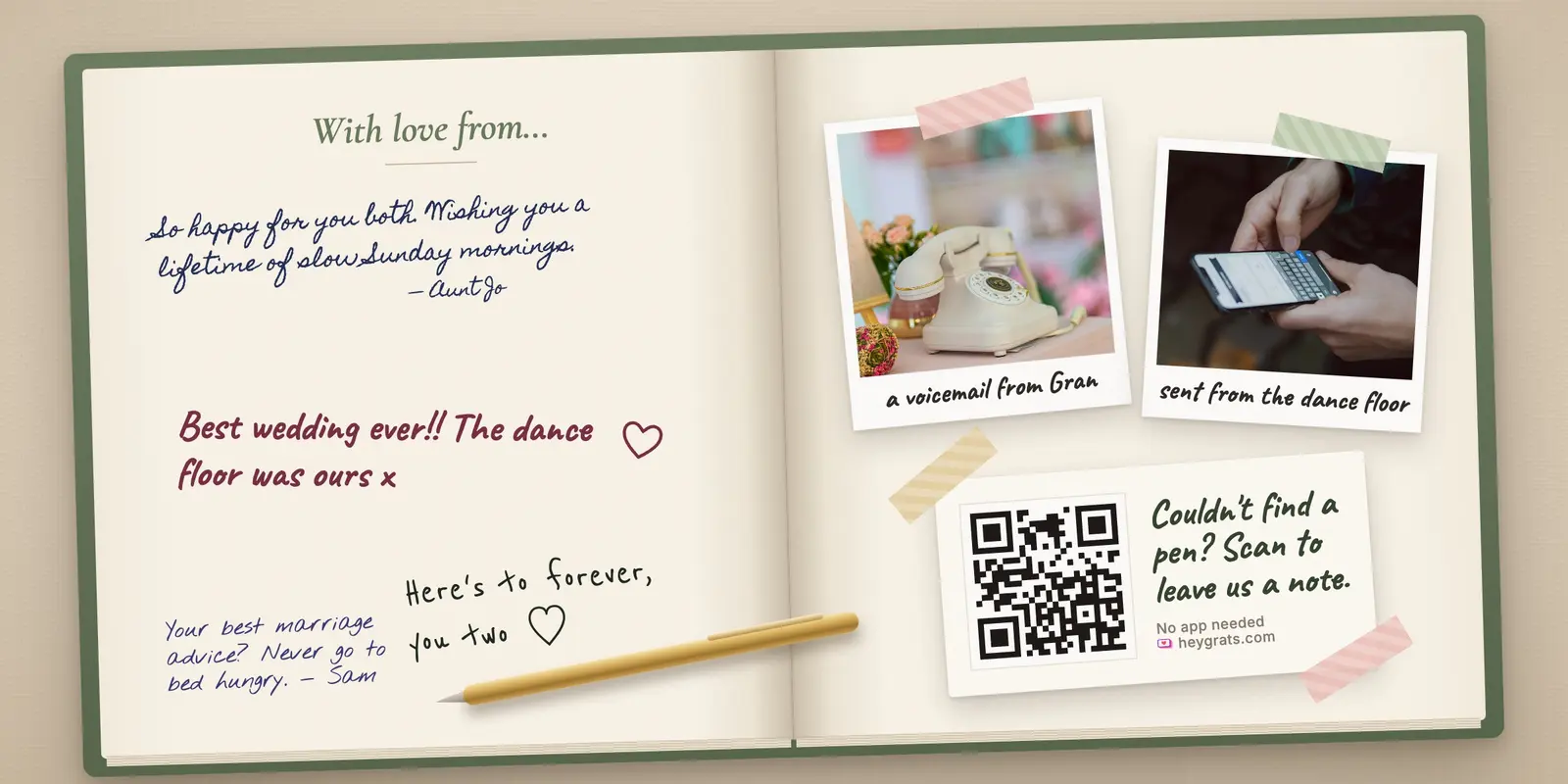
Here are the realistic options, what each costs, what it asks of your guests, and what you actually keep afterwards.
The short answer
- You want messages during the event, with no app: a QR code that opens a message page in the browser. On HeyGrats, Message Cards do this for free, and the messages can appear on the screen during the party.
- You want something to keep on the shelf: a paper or photo guest book. Pair it with a digital one for the guests who skip the table.
- You want voices, not text: an audio guest book phone, usually rented.
- You're collecting messages before the event, for someone who won't be there to see them arrive: a group card site or a simple online form.
What a digital guest book should do
- Open from a QR code or a link, with nothing to download.
- Take a guest less than a minute.
- Work for guests who aren't there in person, through the same link.
- Leave you something you can keep. Check this one before you choose: it's where the options differ most.
Digital guest book options, compared
| Option | Cost | What guests need | What you keep |
|---|---|---|---|
| Message page with a QR code (HeyGrats Message Cards) | Free | A phone camera and a browser | Messages in your event album, while the album is online |
| Online form (Google Forms and similar) | Free | A browser | A spreadsheet of answers |
| Group card site | Free to paid, per card | A browser, sometimes an email | A digital card, sometimes a printable version |
| Audio guest book phone | Usually a paid rental | To pick up the phone and talk | Audio recordings |
| Paper or photo guest book | The cost of the book | A pen, and to find the table | The book itself |
1. A message page with a QR code
Guests scan a QR code, a page opens in the browser, and they write a message. With HeyGrats Message Cards, they choose a card design, write their note and send it. The messages are saved with the event album, next to the guests' photos, and they can play on a live photo wall during the party, which gets more people writing.
- Good for: weddings and parties where you want messages and photos in one place, from one QR code.
- Watch for: Message Cards are text only, and they live in your online album. They aren't included in the photo download, and they can't be printed from HeyGrats, so save the ones you want to keep (screenshots work) before the album expires. A free album stays online for two weeks; an Event Pass keeps it for months or a year.
2. An online form
A free form builder gives you a link and a spreadsheet of answers. It's simple, and the answers are yours to keep for good.
- Good for: collecting messages before an event, such as wishes for a retirement or a surprise birthday.
- Watch for: it looks like a survey, not a guest book, and nobody sees the messages until you share them.
3. A group card site
Group card sites let many people sign one digital card, often with photos and GIFs, and some offer a printed version for a fee.
- Good for: leaving gifts, retirements, and anyone who can't be there in person.
- Watch for: they're built for one card from many people, not for the guests in the room on the night.
4. An audio guest book phone
A vintage telephone on a table: guests pick it up and leave a voice message. Hearing your grandmother's voice years later is hard to beat.
- Good for: weddings where you'd treasure voices more than words.
- Watch for: it's usually a rental with delivery and return, one guest can use it at a time, and a noisy room makes for noisy recordings.
5. A paper or photo guest book
The classic. A photo guest book, where guests stick in an instant photo and write next to it, makes a lovely keepsake.
- Good for: something physical for the shelf.
- Watch for: guests have to find the table, so many never sign it, and there's no copy if it's lost or damaged.
Which should you pick?
- Most weddings and parties: a QR code message page for everyone, plus a paper book if you want a keepsake. It reaches the guests who never find the table.
- You want voices: an audio guest book, alongside a QR code for the guests who won't queue for the phone.
- The person won't be at the event, or it's a leaving gift: a group card site or a form.
- You want messages and photos in one album: HeyGrats, where one QR code collects both.
How to get more guests to leave a message
- Put the code where guests sit, on table cards, not only by the entrance.
- Give them a prompt. "Tell us your favourite memory of us" or "Your best marriage advice" gets more than a blank box.
- Show the messages on screen. When guests see other people's messages appear, they write their own.
- Send the link afterwards to guests who couldn't come.
Questions people ask
Is there a free digital guest book?
Yes. HeyGrats Message Cards are free to use, and so are online forms. Group card sites and audio guest books usually cost something.
Do guests need an app?
Not for a QR code message page, a form or a group card site. They open in the browser.
Can guests leave photos and messages together?
On HeyGrats, the same QR code collects photos and Message Cards into one event album. Our guide to collecting photos from wedding guests covers the photo side.
Can I print the messages afterwards?
Not from HeyGrats. Save the messages you want before the album expires and print them yourself. If a printed book matters most to you, use a paper guest book or a service that offers printing.
How long do the messages stay online?
On HeyGrats, as long as the album: two weeks on the free plan, and longer with an Event Pass. Pricing has the details.
Want to try it? Set up a digital guest book on HeyGrats: free, with no app for your guests, and with photos and messages from one QR code.