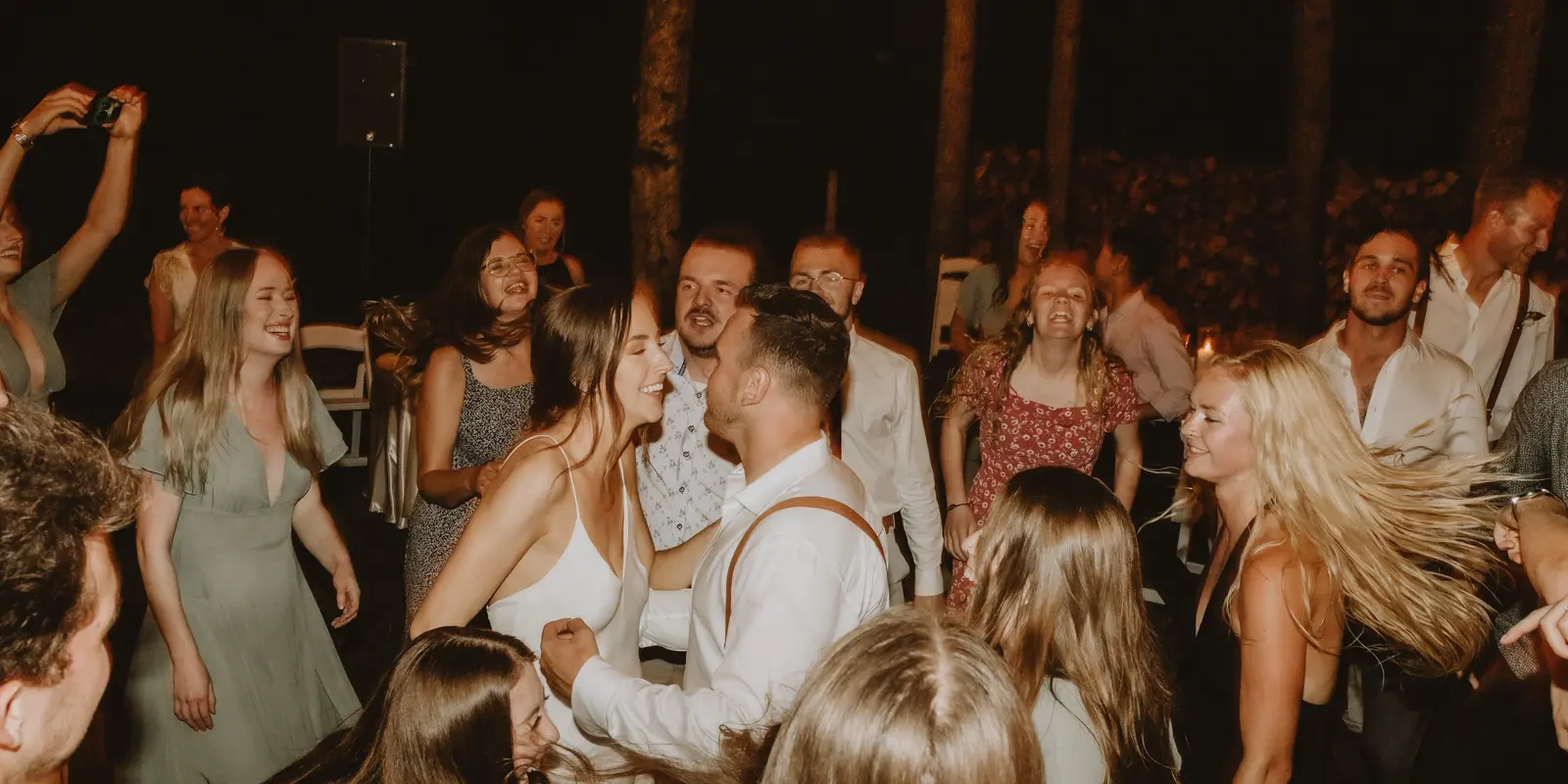
Every wedding has the same problem. Your photographer captures the formal shots beautifully, but the best moments — the ones your guests caught from their seats, the dance floor at midnight, the kids wreaking havoc — live on two hundred different phones and never make it back to you.
This guide walks through the realistic ways to gather everyone’s photos in one place, including a method that needs no app for your guests to download.
Why collecting guest photos is hard
The default — “text me your photos!” or a shared Google Drive link — falls apart for predictable reasons:
- Guests forget once the wedding is over.
- Large video files bounce over email and messaging apps.
- A shared folder gives everyone full view of every photo, including the ones Aunty would rather you didn’t see.
- Nobody wants to install yet another app at 11pm on a Saturday.
The friction isn’t the photography. It’s the ask. Whatever method you pick needs to be effortless for guests, or it won’t work.
The four realistic methods
1. A QR code photo wall (no app install)
This is the method we’d recommend for almost every wedding. You print a QR code on a table card or sign. Guests scan it with their phone’s camera, a page opens in the browser, and they upload photos directly. No app to download, no account to create.
The photos flow into a shared photo wall that you, the couple, own and moderate. Guests drop in their best shots in seconds and get back to the party.
If you want to see exactly how this looks, HeyGrats is built around this flow — you can explore a QR code photo wall setup here, or see it tailored for wedding photo sharing.
2. A shared cloud folder (Google Drive / iCloud)
The free, familiar option. Create a folder, set upload-only permissions, and share the link.
- Good for: tiny weddings, tech-comfortable crowds, zero budget.
- Bad for: anything over ~40 guests. Folders get messy, there’s no moderation, and large files choke mobile uploads. Privacy is all-or-nothing.
3. A wedding-specific app
Dedicated wedding apps exist and work. The trade-off is the install step: every guest has to download it, often create an account, and figure out the UI. That friction kills participation at exactly the moment people are least patient.
- Good for: couples who want a single branded app and a guest list that will tolerate an install.
- Bad for: maximizing the number of photos you actually receive.
4. Disposable cameras (the analog throwback)
Putting a few disposable cameras on tables has a charm that digital can’t replicate, and it captures a candid, lo-fi perspective guests won’t take on their phones.
- Good for: vibe and novelty.
- Bad for: cost per photo, development turnaround (weeks), and you lose 90% of the shots your guests actually took on their phones. Best used alongside a digital method, not instead of one.
Which method should you pick?
- Most weddings: QR code photo wall. Lowest guest friction, you own the result, and it works for any guest with a phone camera.
- Small / informal weddings: a shared cloud folder is fine.
- Maximum coverage: combine a QR photo wall with a couple of disposable cameras for analog character.
What to actually do on the day
Whatever you choose, the setup matters more than the tool:
- Print the QR code big and put it in two places — the reception entrance and the bar. The bar especially.
- Have the MC or best man announce it once, early. One mention, not three.
- Keep the ask short. “Scan this, drop in your favourite photos” beats a paragraph of instructions.
- Leave it open for at least a week after the wedding. Most photos arrive in the 48 hours after, while guests are back home and scrolling their camera rolls.
The bottom line
You don’t need an app to collect great wedding photos — you need a one-tap path from a guest’s phone to your photo wall. That’s the entire game.
If that sounds like what you’re after, HeyGrats is purpose-built for it: a QR-accessible photo wall designed for weddings and events, with the couple owning and moderating everything. You can also pair it with a digital guest book so guests can leave written messages alongside their photos.