
Message cards
A digital guest book with messages that feel personal
Message Cards are how HeyGrats powers a digital guest book: guests write wishes, prayers, notes, and short messages in a polished card format, without downloading an app.
Message card flow
Guests open the link, choose a design, and write
Message Cards keep the guest experience light while giving hosts something cleaner and more memorable than a comment thread.
Turn on Message Cards
The host enables Message Cards from the event settings.
Share the link or QR code
Guests can open the event page from an invitation, WhatsApp message, or venue sign.
Guests write their message
They choose a card design, write a note, and submit it from their phone browser.
Keep it with the event
Message cards are saved into the event gallery alongside guest photos.
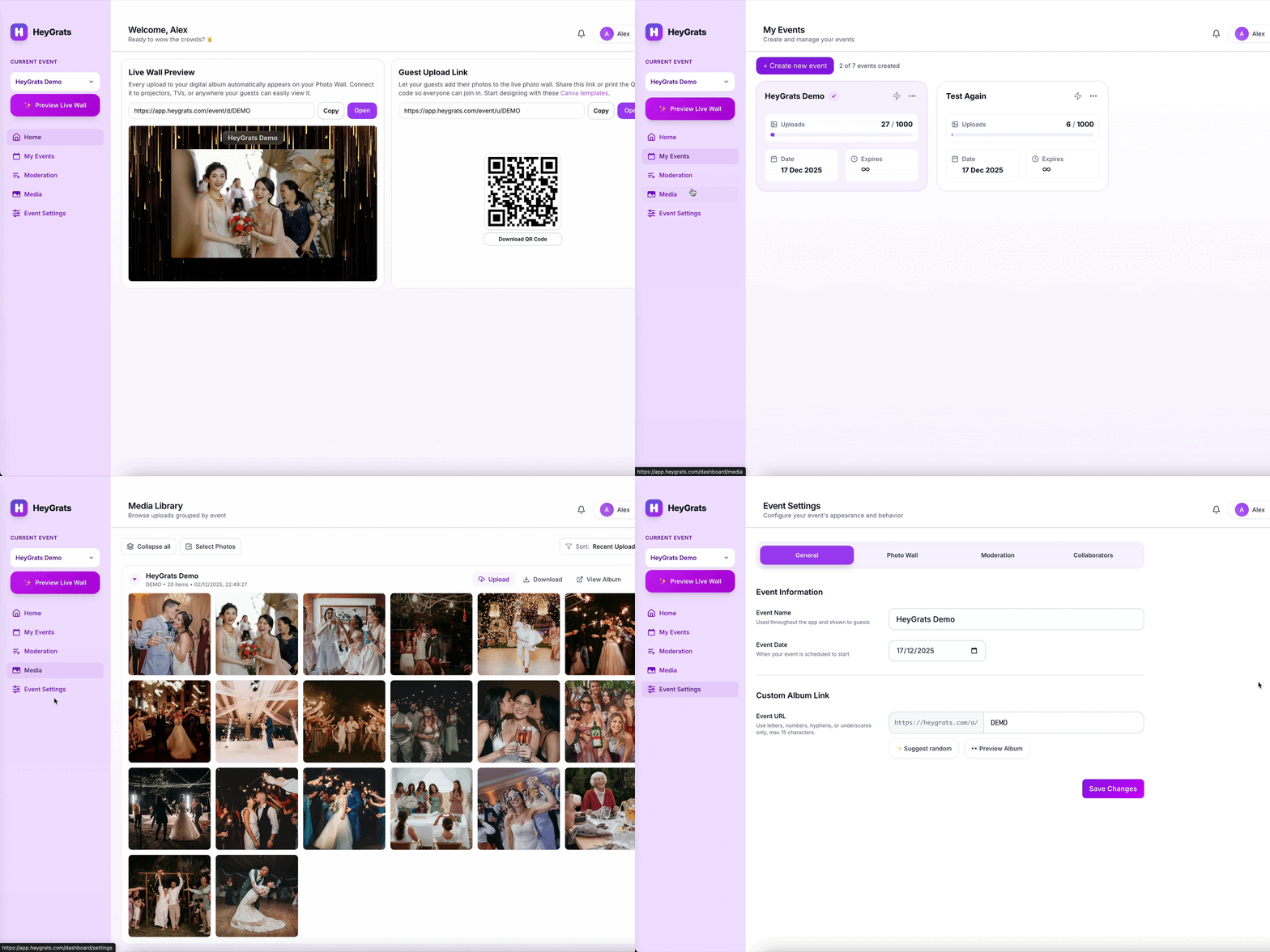
Cards, QR code, gallery
Perfect when guests want to send words, not photos
Not every event moment needs a camera. Message Cards give family, friends, and teammates a warm space for personal notes.
- Guest messages in card format
- Selectable card designs
- No app for guests
- Saved with the event gallery
Event examples
Message cards for every kind of gathering
Neat, personal, and easy to revisit
Guests can send a note without uploading media, while the host still sees everything in one event gallery.
Weddings
Guests write warm wishes and sweet notes for the couple.
Birthdays
Friends and family send quick messages as part of the celebration.
Graduations
Family members leave proud notes and words of support.
Farewells
Coworkers collect goodbye messages that are easy to read again.
Pricing
Message Cards are part of your event page
Start with a free event to try the guest flow. Event Pass upgrades are available when an event needs higher capacity or premium features.
See HeyGrats PricingTry an event link, QR code, guest uploads, and basic message cards.
Upgrade one event when you need more capacity and longer access.
Use a larger one-time upgrade for bigger events, longer access, and premium controls.
FAQ
Message Cards FAQ
Do guests need to download an app?
No. Guests open the event link or scan the QR code, then write from their phone browser.
Can the link be shared through WhatsApp?
Yes. Hosts can share one event link through WhatsApp, digital invitations, or a QR code at the venue.
Are Message Cards the same as photo uploads?
No. Photo uploads are for media, while Message Cards are for written notes in a card format.
Where do message cards appear?
They are saved with the event gallery, so the host can view them alongside guest photos and other event moments.
Give guests an easy way to write something meaningful
Create an event page, turn on Message Cards, and share the link with guests.