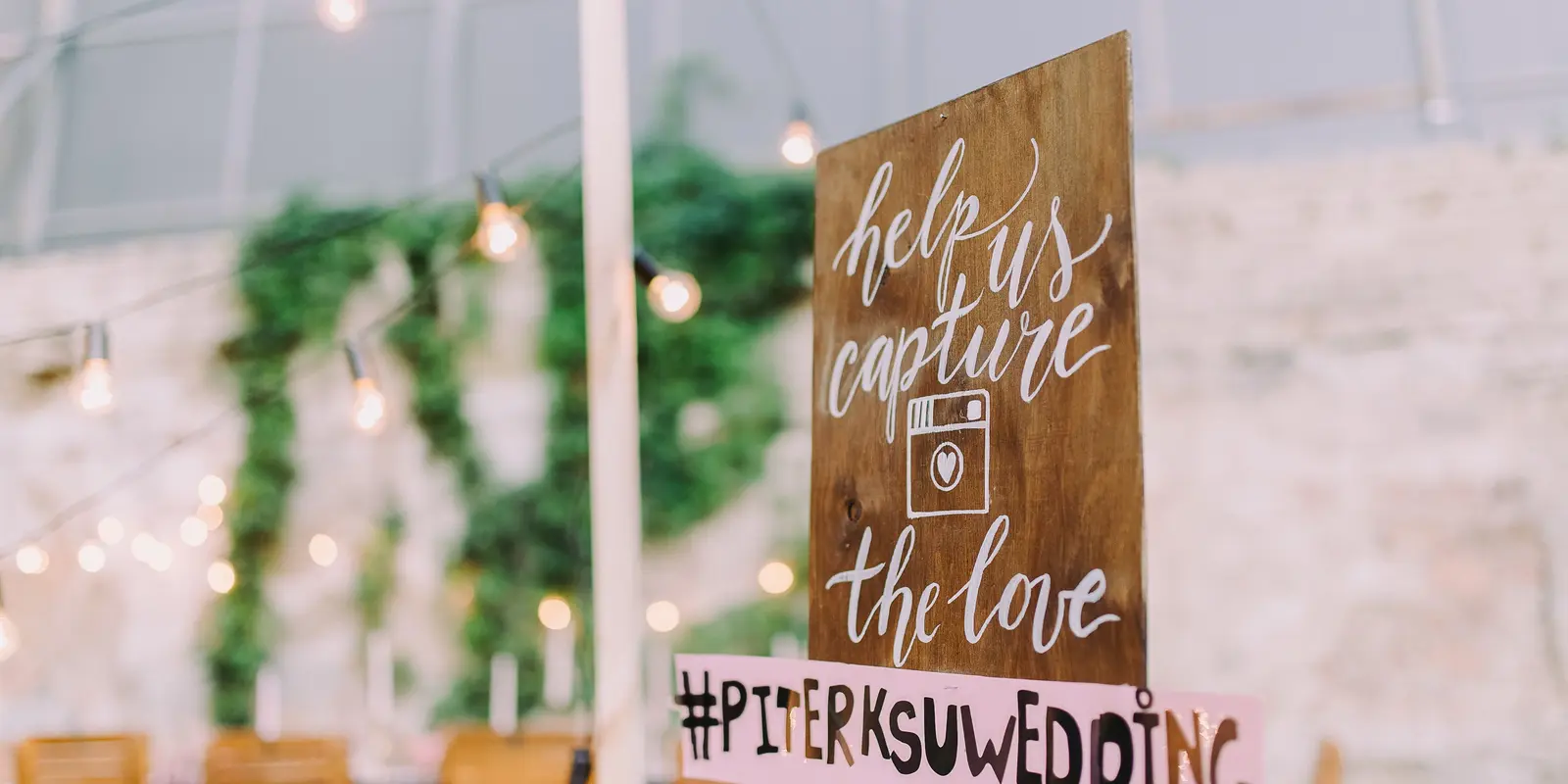
For years the default way to collect event photos was a hashtag. You would tell everyone to tag #JessAndTom2026 on Instagram and hope for the best. In 2026 that approach is mostly dead: Instagram has narrowed its hashtag surface, privacy settings mean many guests posts never surface publicly, and hashtag aggregation tools have shut down or degraded.
So what actually works now? This guide compares the three realistic methods for collecting event photos in 2026 and tells you which to pick.
The three methods, compared
QR code photo wall
How it works: You generate a QR code. Guests scan it with their phone camera, a browser page opens, and they upload photos directly into a shared photo wall you own and moderate.
Pros:
- No app install for guests. This is the single biggest factor in whether people actually upload.
- Works on any phone with a camera.
- You own and moderate the result. Guests do not see everything by default.
- Photos arrive immediately, in one place, organised.
Cons:
- Requires setting up the wall beforehand (a few minutes with a tool like HeyGrats).
- Needs a printed QR code on the night.
Best for: weddings, corporate events, conferences, parties. Basically any event where you want maximum photo recovery.
See how a QR code photo wall is set up, or the event photo sharing app variant for non-wedding events.
Dedicated event app
How it works: guests download an app, create an account, and upload through it.
Pros:
- Single branded experience.
- Can bundle extra features (messaging, schedules, RSVPs), though most events do not need them.
Cons:
- The install step kills participation. Asking guests to download an app at 11pm on a Saturday is the fastest way to get zero photos.
- Account creation adds more friction.
- Does not work for older guests or anyone out of app-store patience.
Best for: multi-day events or conferences where guests install once and use the app repeatedly. For a single-evening event it is overkill.
Social media hashtag
How it works: guests post to Instagram/X with a shared hashtag; you aggregate the feed.
Pros:
- Zero setup.
- Guests are already on these apps.
Cons:
- Most posts never reach you. Private accounts, algorithmic feed limits, and the slow death of hashtag aggregation mean you typically recover a small fraction of what guests posted.
- No moderation control. What is posted is public immediately.
- You do not own the photos; the platform does.
- Mixed in with unrelated content using the same hashtag.
Best for: brand or marketing events where public visibility is the goal. Not good for collecting personal event photos.
Quick comparison
| Method | Guest friction | Photo recovery | You own it? | Moderation |
|---|---|---|---|---|
| QR code photo wall | Low (scan and upload) | High | Yes | Yes |
| Dedicated app | High (install and account) | Medium | Yes | Yes |
| Social hashtag | Low, but lossy | Low | No | No |
So which is the best way in 2026?
For the vast majority of events (weddings, parties, corporate events, conferences) the QR code photo wall wins on the metric that matters most: how many of your guests’ photos you actually end up with. It removes the friction (no app), keeps you in control (moderation, ownership), and works for any guest with a phone camera.
The hashtag era is effectively over for personal photo collection. Apps work but fight friction the whole way. The QR photo wall is the method that finally aligns with how guests actually behave on the night.
What to do next
- For weddings: wedding photo sharing app
- For other events: event photo sharing app
- Pair with messages: a digital guest book lets guests leave written notes alongside their photos.
- Considering a booth? See our photo booth alternatives
HeyGrats runs on the QR photo wall model: guests scan, upload in seconds with no app, and you own and moderate a shared photo wall. It is built for weddings and events alike.