
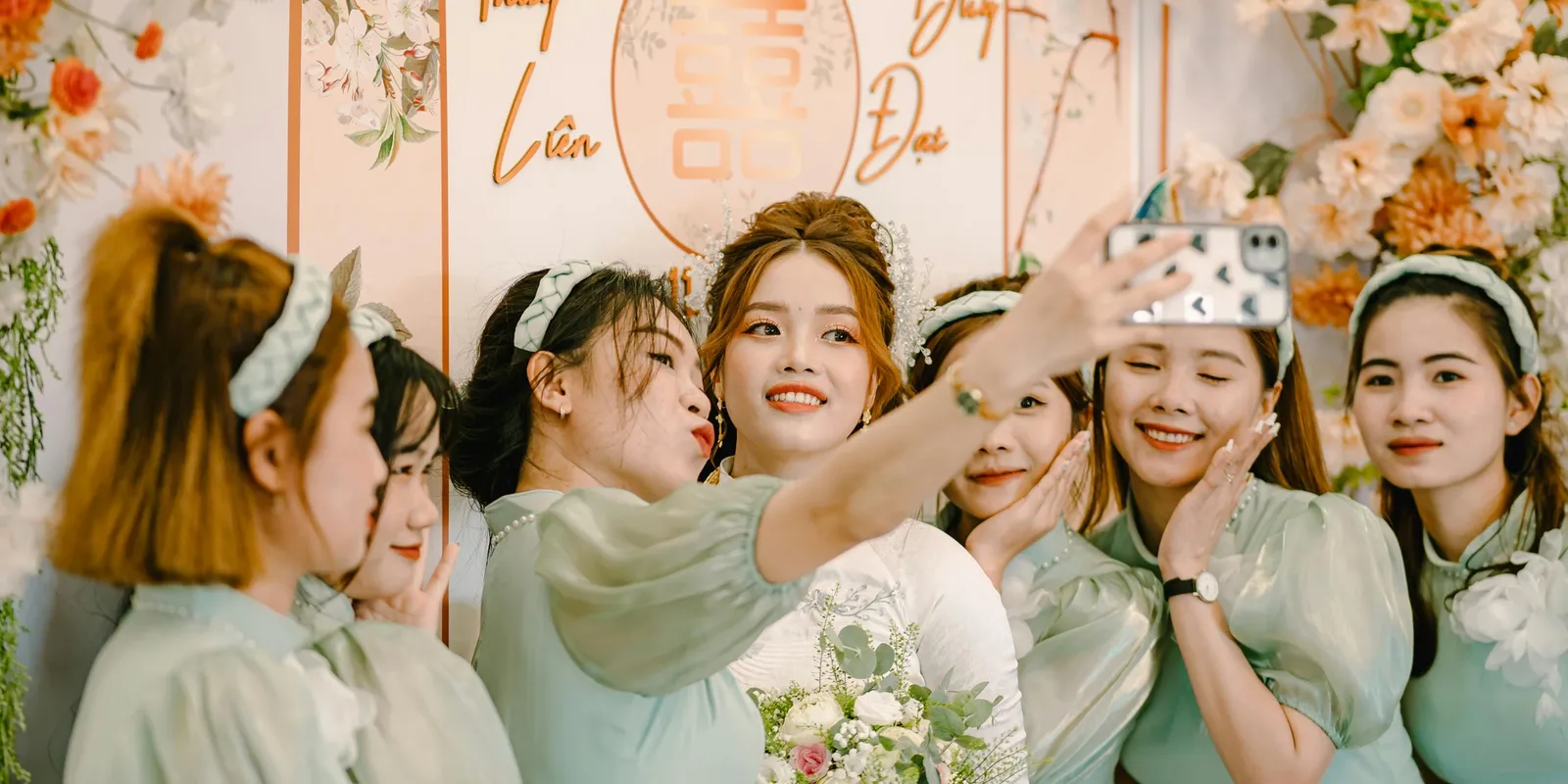
A live photo wall is a screen at your event that shows guests' photos as they take them. Guests scan a QR code, upload from their phone's browser, and a few seconds later their photo appears on a TV, a projector or an LED wall for the whole room to see. Afterwards, the same photos become an album you can keep and share.
This guide covers how one works, what you need to run it, how it differs from a slideshow or a hashtag feed, and ideas that get guests joining in.
How a live photo wall works
- You create the event and get a QR code for guests and a link for the screen.
- You open the wall on a laptop or another device connected to the screen.
- Guests scan the QR code, choose photos from their phone and upload them, with no app and no account.
- New photos join the wall as they arrive, and every photo stays in the album afterwards.
If you want to check photos before they're shown, moderation lets you approve each one first. On HeyGrats, moderation comes with an event pass.
What you need
- A screen. A TV, a projector or an LED wall.
- A device to run it. A laptop connected to the screen is the simplest. Anything that can open the wall's link in a full-screen browser works.
- An internet connection for that device. Guests use their own mobile data or the venue's Wi-Fi.
- A printed QR code on the tables, at the bar and next to the screen.
- Someone to keep an eye on it, especially if you're approving photos before they show.
Live photo wall, slideshow or hashtag wall?
| Question | Live photo wall | Pre-made slideshow | Social hashtag wall |
|---|---|---|---|
| Whose photos? | Guests', taken at the event | Photos you chose beforehand | Public posts using the tag |
| When do they appear? | Seconds after upload | On a loop you set up | When a public post is picked up |
| What guests need | A phone camera and a browser | Nothing | A public social media account |
| Can you check photos first? | Yes, with moderation | Yes, you chose them | Depends on the tool |
| Afterwards | An album you keep | The same slideshow | Posts on someone else's platform |
How it's different from a shared album
A shared album or a group chat collects photos for later. A live photo wall puts them in the room while the event is happening, and that changes how people behave: they look up at the screen, laugh at a table selfie, and take another photo to see theirs appear. You still end up with the album.
If you mainly want the photos afterwards, our guide to collecting photos from wedding guests compares the other options.
Ideas that get guests joining in
Weddings
- Welcome wall. Show the wall as guests arrive and ask for a "we made it" photo.
- Table missions. Cards on each table: a photo with the couple, with someone you just met, of your favourite dish.
- Marriage advice. Ask guests to add their best, or funniest, advice for the couple as a caption on their photo, or as a written Message Card if you've turned those on.
- Best moment so far. Before the cake or the first dance, ask everyone to upload their favourite photo of the night.
Birthdays and anniversaries
- Memory lane. Ask guests to upload an old photo with the guest of honour and add a short birthday wish.
- Then and now. A throwback photo first, then a new one taken at the party.
Corporate events and conferences
- Team shout-outs. "Give a shout-out to a teammate who had a great year", with a photo of the team.
- Session moments. Attendees share photos from talks, stands and the networking breaks.
- A quick contest. Best team photo, or best shot with the backdrop, judged live from the wall.
Tips for running a live photo wall
- Test the wall on the actual screen before guests arrive.
- Put the QR code next to the screen as well as on the tables, so people can join in while they watch.
- Ask your MC to mention it once early on, and again before a big moment.
- Turn the screen off for the speeches and the first dance, so the wall adds to the night instead of competing with it.
- Turn on moderation for a formal or family-friendly event.
Questions people ask
Do guests need an app?
No. They scan the QR code with their phone camera and upload from the browser.
Can guests add a message to their photo?
Yes. On HeyGrats, guests can add a short caption that appears with their photo on the wall. With Message Cards turned on, they can also send a written wish.
Can I stop unwanted photos appearing?
Yes, with moderation: you approve each photo before it reaches the screen. On HeyGrats, moderation comes with an event pass. Pricing has the details.
Does a live photo wall work for small events?
Yes. Any event with a screen works, from a birthday dinner to a conference, and HeyGrats has a free plan for small events.
What happens to the photos afterwards?
They stay in an album you can share with guests and download. How long it stays online depends on your plan. Our guide to sharing wedding photos with guests covers what to do next.
A live photo wall turns your guests' photos into part of the event, then hands you the album. See how it works on the HeyGrats live photo wall page, or try it on your phone.